
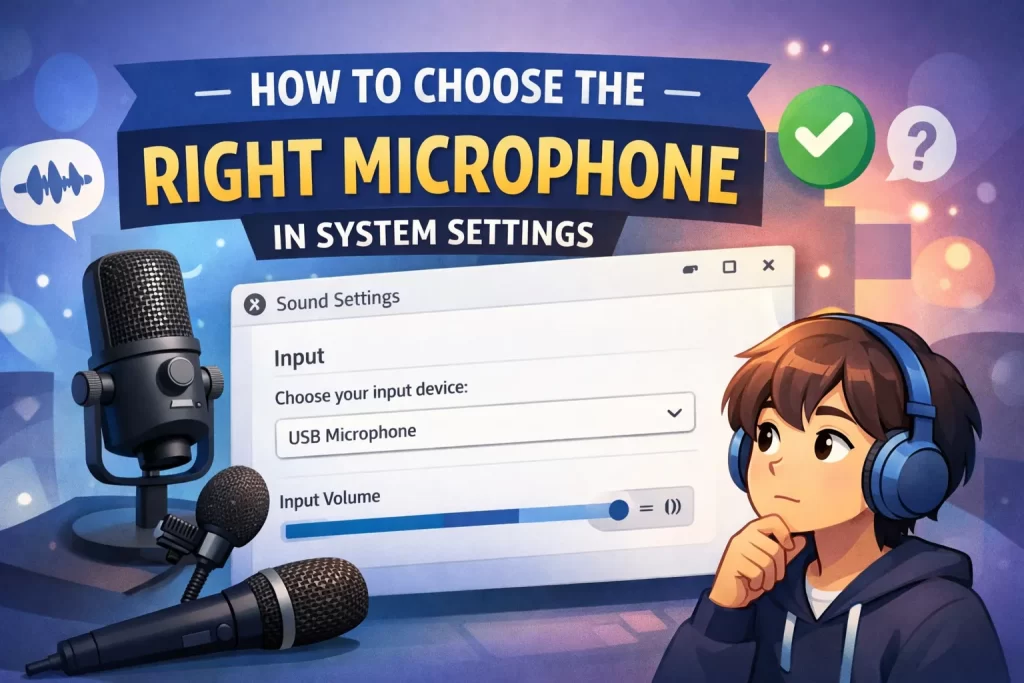
If you are using multiple audio input devices in your system, you could be experiencing issues with audio due to selecting the wrong microphone to use. Ensure the correct microphone is selected.
On Windows:
Go to Settings → System → Sound
- Find the Input section
- chose the correct microphone from the drop down list
- Be sure to talk into the mic and check that the input level changes. If you can’t see


On mac OS:
Open System Settings > Sound > Input
- Select an active microphone
- Adjust the volume of the input for quality sound.
Tip: Your computer will only record the audio of the selected device, so it is important to select a microphone wisely.