
In today’s digital world, online meetings have turned into a daily routine. Whether it be for an office meeting, an online class, or even a job interview, doing a Zoom camera test online before joining a meeting is of utmost importance. A small camera issue may create a very unprofessional impression and waste precious time.
What is a Zoom Camera Test Online?
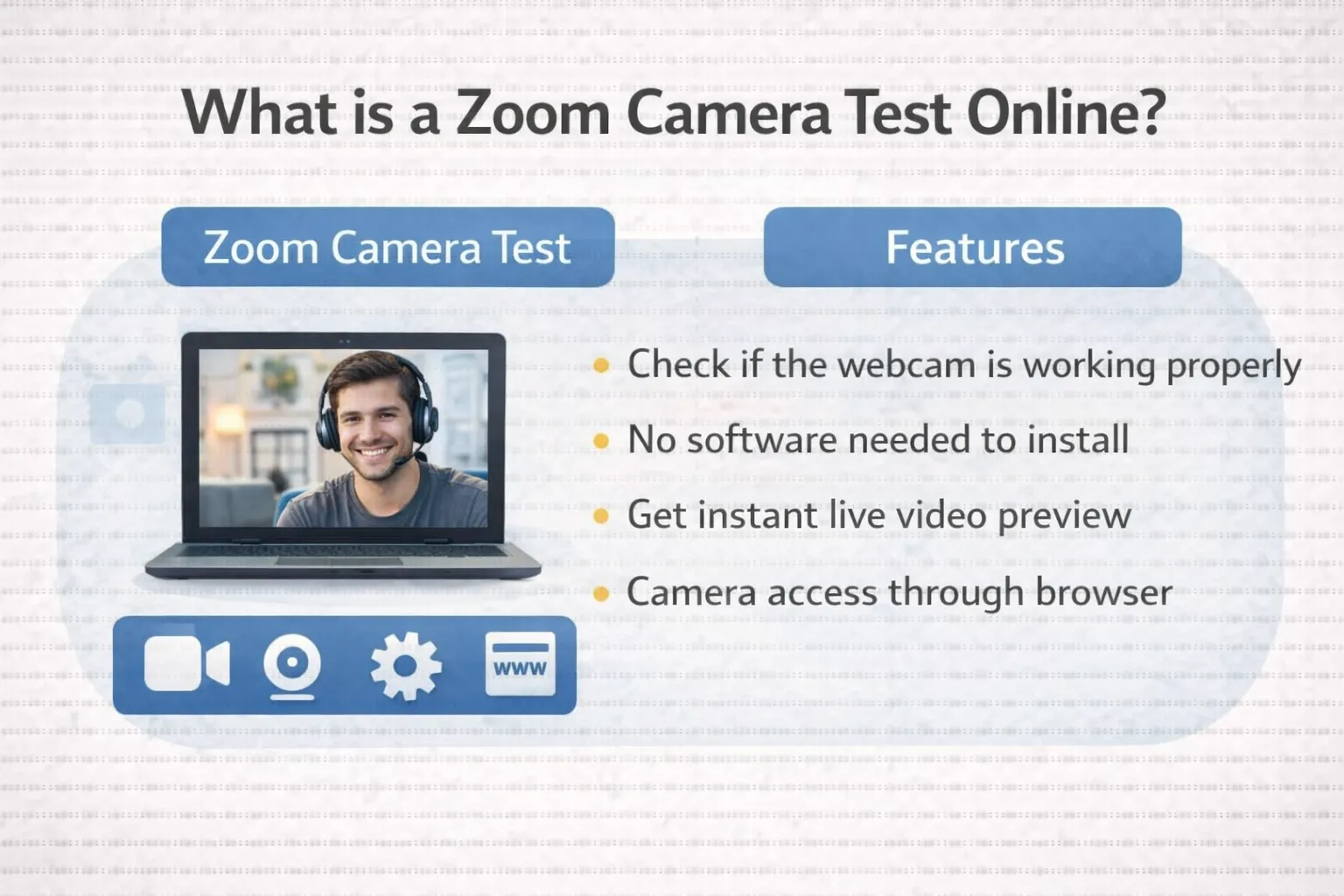
Online testing of the Zoom camera allows verifying that your webcam works correctly before entering the conference. Using services for online testing of a camera, you can see the live preview of your video right away without downloading any software. Such services work right in your browser and help you ensure your camera is properly connected and working.
How to Do a Zoom Camera Test Online
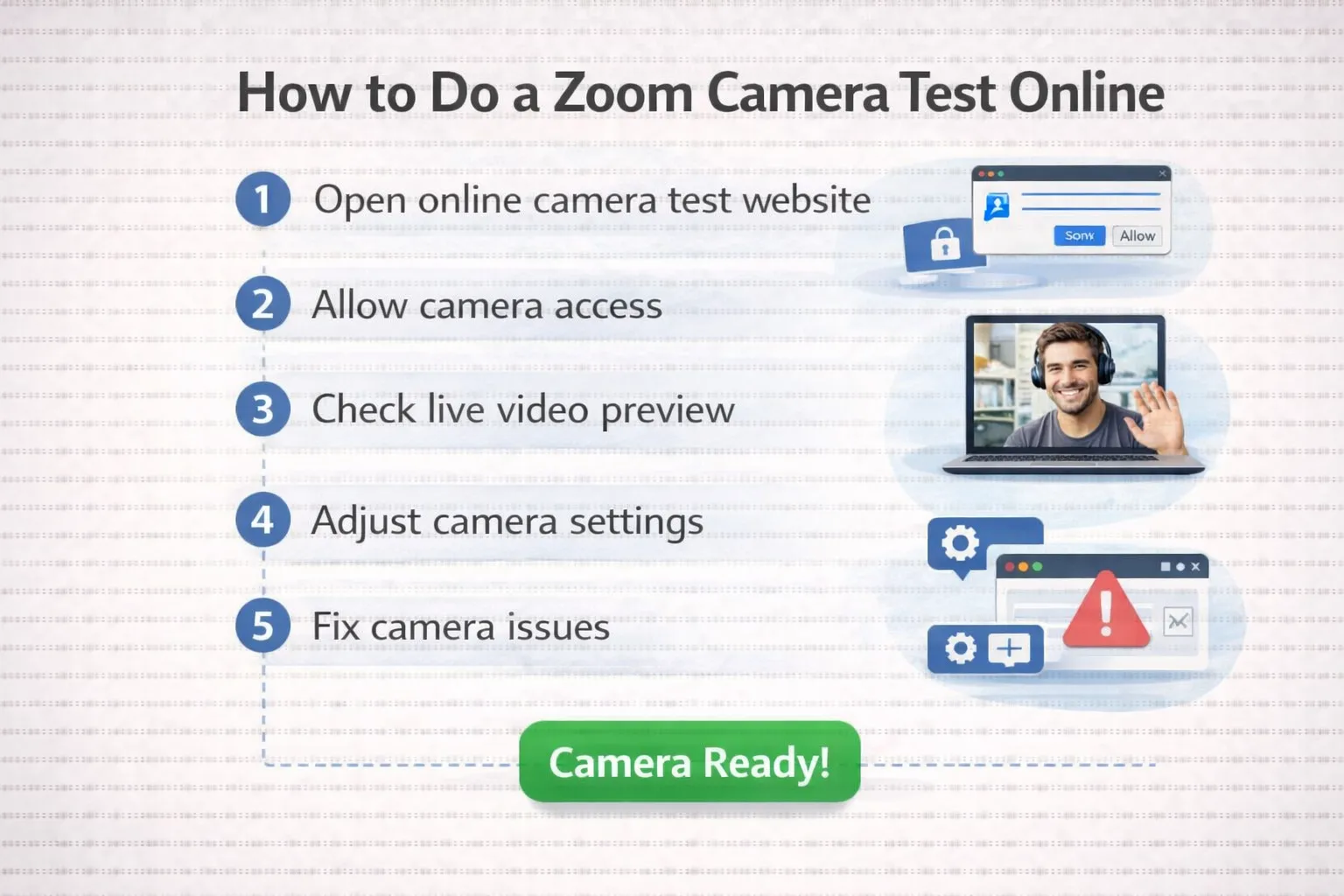
Follow these easy steps to test your camera:
Open a reliable web-based camera testing website
- Click “Test My Camera” or “Start Camera Test”
- Allow camera access when the browser prompts permission
- Monitor the live video preview displayed on-screen
- If you can see yourself, your video camera is ready for a Zoom meeting.
Common Camera Problems and Solutions
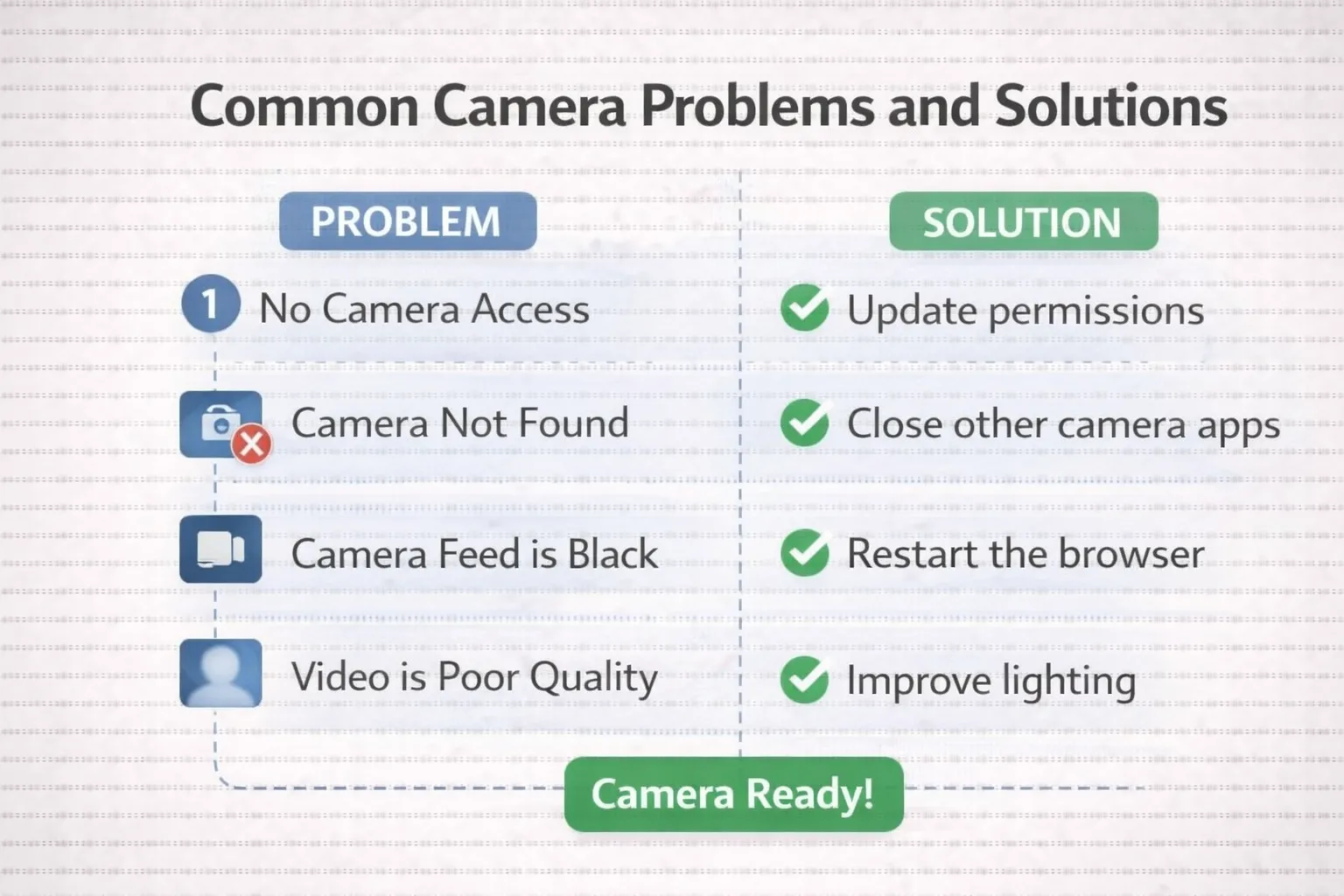
If you find issues with your camera, first check if any other application is using it. Then, you need to check browser permissions and update the camera driver if required.
Conclusion
The Zoom camera test can also be accessed online for free, which will take only a minute of your time but will save you from all the stress associated with a poorly functioning camera during a call. It is, therefore, advisable to carry out a camera test before joining a Zoom meeting for a professional turnout.