
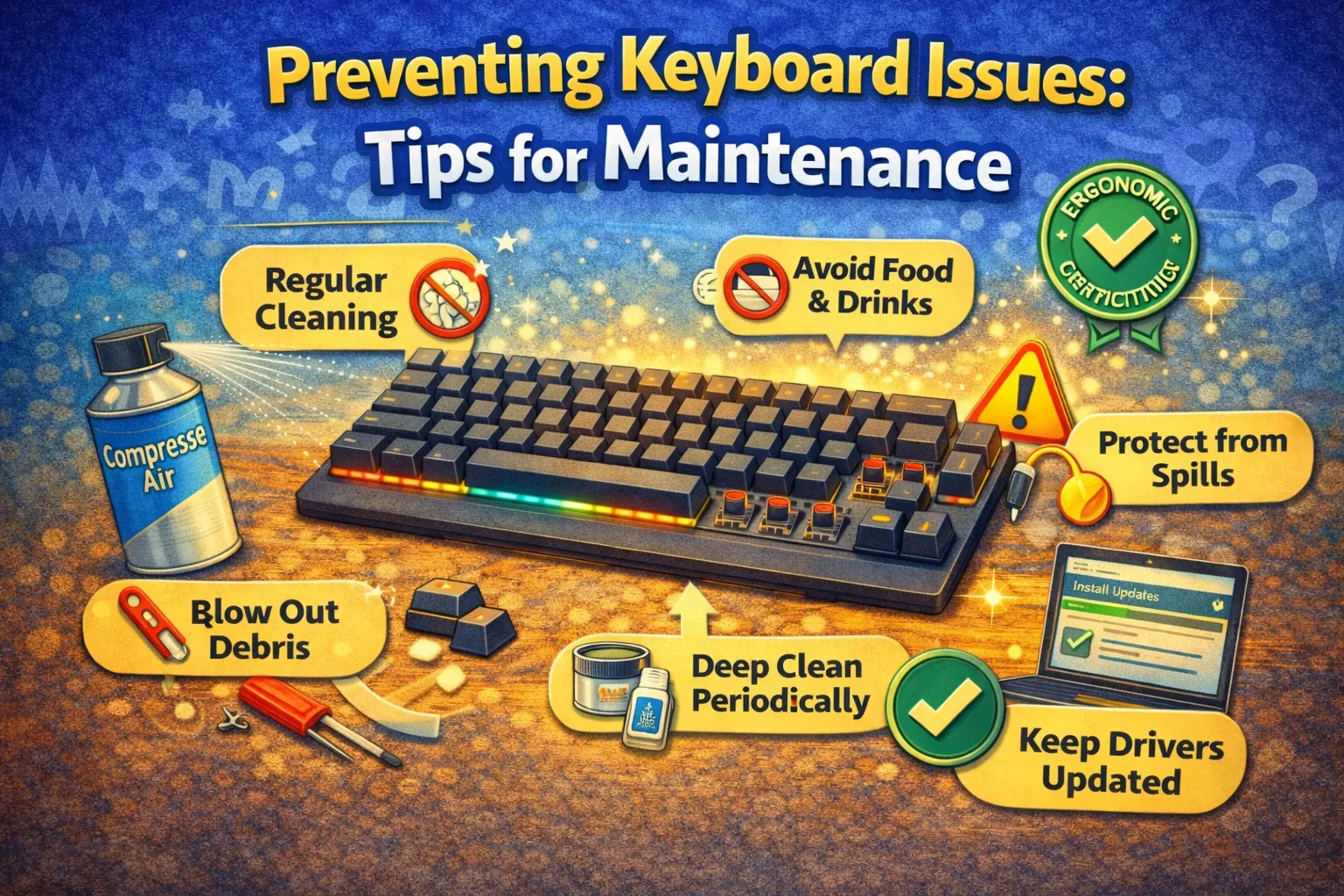
It is important to maintain your keyboard to ensure that it functions properly. There are various tips that you can follow to ensure that your keyboard does not develop issues such as sticky keys and unresponsive buttons.
Regardless of whether you have a mechanical or membrane keyboard, it is important to maintain it properly. You can follow simple tips to ensure that your keyboard functions properly.
Why Keyboard Maintenance is Important
It is important to maintain your keyboard to ensure that it functions properly. When you clean your keyboard, you prevent dust and debris from accumulating and causing your keys to malfunction.
Here are some reasons why you should maintain your keyboard:
- Improved typing efficiency.
- Prevention of key sticking or failure.
- Increased keyboard lifespan.
When you maintain your keyboard, you ensure that your investment lasts longer.
Essential Keyboard Cleaning Tips
Cleaning your keyboard regularly helps maintain it in the best possible manner. Start by using a soft brush or compressed air to clean between the keys. This will help remove any particles that may cause problems in the future.
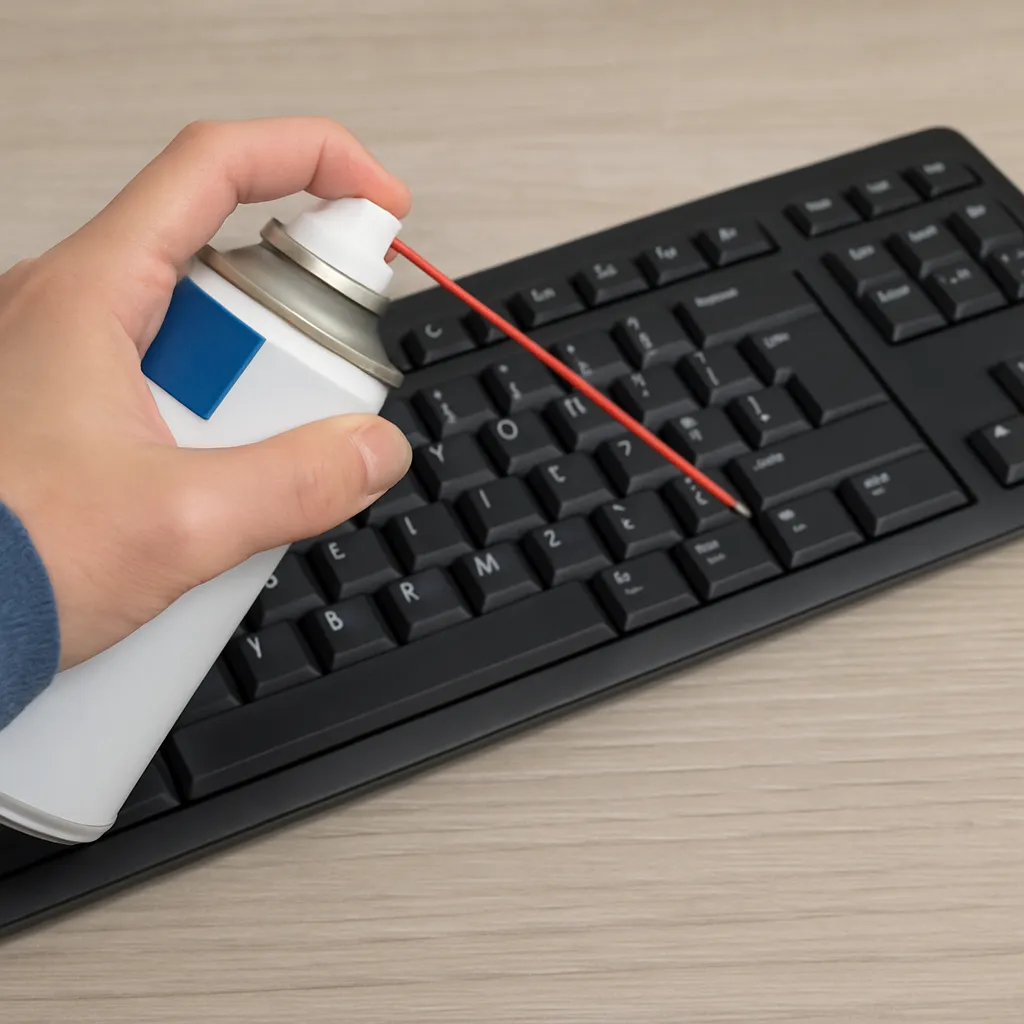
The next step is to clean the surface of the keyboard using a microfiber cloth. This will help you maintain a clean and spotless look without any scratches.
Here are some essential tips to help you clean your keyboard:
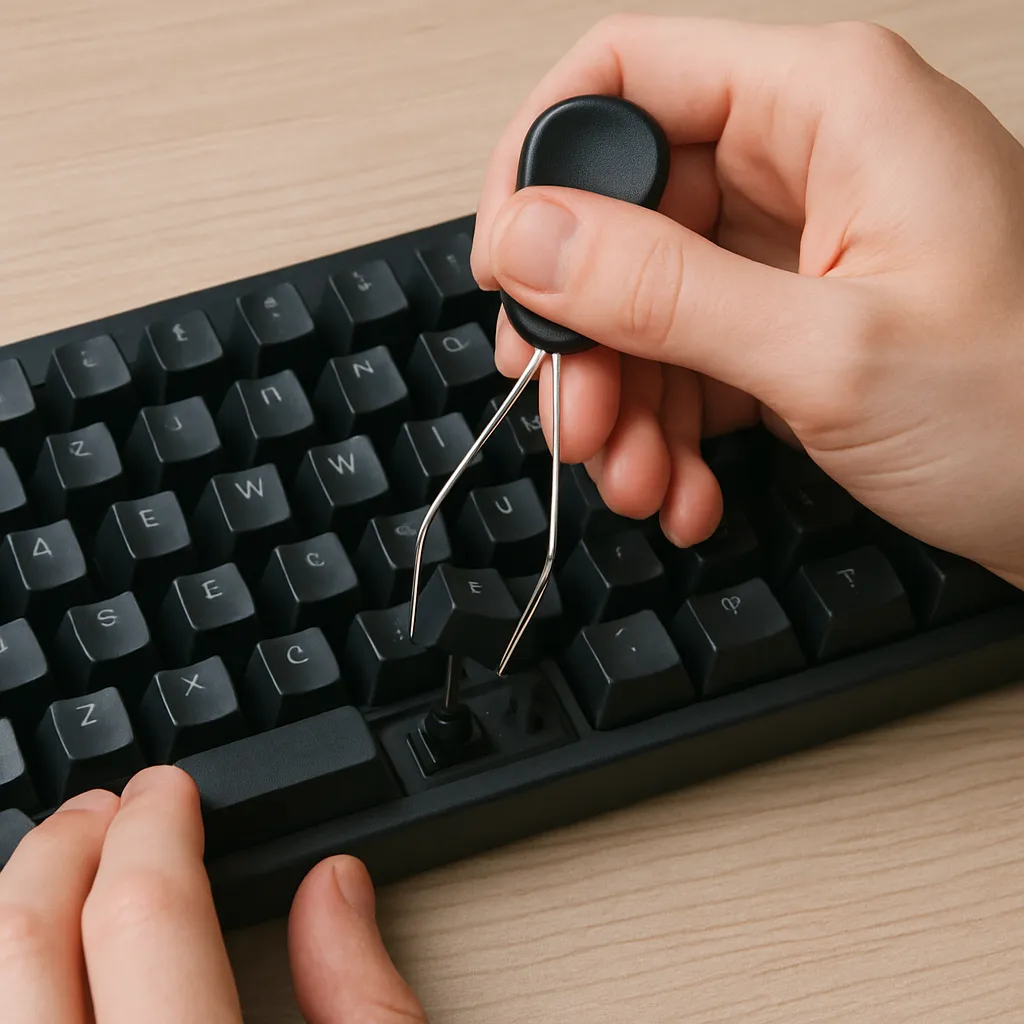
- Remove the keycaps for a thorough clean.
- Do not use any harsh chemicals.
- Use a keycap puller for a safe clean
Keyboard maintenance is essential to keep your keyboard clean and functional. Make sure to follow these tips on a regular basis to avoid any problems in the future. A clean workspace is essential for a long-lasting keyboard.
Care for Mechanical Keyboards: Special Handling
Special care is needed for mechanical keyboards. Removing the keycaps regularly allows for a complete cleaning process. This helps prevent dirt from causing mechanical problems, which is essential for functionality.
In addition to cleaning, check for loose or broken keys. These should be repaired immediately to facilitate smooth functioning.
Some extra tips to keep in mind are:
- Use a cover to protect against spills.
- Keep the keyboard in a dry place to prevent water damage.
- Regularly update keyboard drivers.
Taking good care of your mechanical keyboard will help it last longer and ensure smooth, efficient typing.
Preventing Common Keyboard Issues
Common keyboard problems can affect your productivity. Stuck keys are commonly caused by dust accumulation or spills. To avoid such problems, it is important to keep your workspace clean and avoid eating near your keyboard.
Be alert for signs of wear and tear. Early detection and repair of problems can help avoid further complications. Loose keys should be tightened immediately.
The following are practices to help you maintain your keyboard on a daily basis:
- Practice germ-free keys using isopropyl alcohol.
- Take care of your cables to avoid wear and tear.
- Check the battery level of wireless keyboards regularly.
By incorporating these practices, you can maintain your keyboard in its best working condition.
Conclusion: Keep Your Keyboard in Top Shape
Maintaining your keyboard is important to prevent issues from arising. By following the tips outlined in this article, you can help keep your keyboard in top shape.
A clean and well-maintained keyboard not only helps extend the lifespan of your device but also improves your typing efficiency.