

Online webcam test is the quickest and easiest way to verify whether your webcam is working properly. Whether you’re preparing for a video meeting, attending an online class, streaming, or recording content, our browser-based tool lets you instantly test your camera without downloading any software.
A webcam is an essential part of modern laptops and desktop computers. If your camera isn’t working correctly, it can interrupt meetings, reduce video quality, or prevent you from communicating effectively. Our online webcam test tool helps you identify camera issues in just a few seconds.
With real-time camera detection and instant video preview, our online webcam test makes it simple to confirm that your webcam is functioning properly before any important task.
What Is an Online Webcam Test?
An online webcam test is a browser-based diagnostic tool that checks whether your webcam is connected, accessible, and working correctly.
Instead of installing software, the tool uses your browser to safely access your webcam after you grant permission. Once connected, you can instantly preview your camera and verify that everything is working as expected.
A webcam test helps detect:
- Camera connection issues
- Webcam permission problems
- Low video quality
- Incorrect camera selection
- Frozen webcam feed
- Black screen errors
- Hardware faults
- Resolution issues
Performing an online webcam test before video calls helps avoid unexpected technical problems.

Why Use an Online Webcam Test?
There are many situations where testing your webcam can save time and frustration.
You should use an online webcam test before:
- Online meetings
- Video interviews
- Live streaming
- Online classes
- Virtual conferences
- Recording videos
- Business presentations
- Customer support calls
- Gaming streams
- Remote work sessions
Checking your webcam only takes a few seconds but ensures you’re ready whenever your camera is needed.
How Our Online Webcam Test Works
Using our online webcam test is simple and requires only a few steps.
Step 1
Open the webcam testing tool.
Step 2
Allow your browser to access your webcam.
Step 3
Wait a few seconds while the camera initializes.
Step 4
View the live camera preview.
Step 5
Confirm that your webcam image appears clearly without freezing or distortion.
The entire process happens inside your browser without installing additional applications.
Features of Our Online Webcam Test Tool

Our webcam checker includes everything needed for quick and accurate camera testing.
Instant Webcam Detection
The tool automatically detects available webcams connected to your device.
Live Camera Preview
See your webcam feed in real time.
Browser-Based Testing
No downloads or software installation required.
Fast Performance
Camera detection typically takes only a few seconds.
Free Unlimited Testing
Run the online webcam test as many times as you need.
Secure Camera Access
Your webcam remains under your control and requires browser permission before activation.
Works on Most Devices
Compatible with:
- Windows laptops
- Desktop computers
- External USB webcams
- Built-in laptop cameras
- Chromebooks
- Modern browsers
Benefits of Using an Online Webcam Test
Running an online webcam test offers several important benefits.
Save Time Before Meetings
Avoid joining meetings with a broken camera.
Detect Camera Problems Early
Identify webcam issues before they become serious.
Verify Camera Quality
Check whether your webcam produces a clear image.
Test After Driver Updates
Confirm your webcam still works after software updates.
Troubleshoot Camera Errors
Determine whether the issue is hardware or browser related.
Common Webcam Problems Our Tool Can Detect
Our online webcam test helps identify several common webcam issues.
Webcam Not Detected
The browser cannot find your webcam.
Black Screen
The webcam turns on but shows no image.
Frozen Video
The camera feed stops updating.
Blurry Camera
Poor focus or low-quality image.
Permission Denied
The browser blocks camera access.
Wrong Camera Selected
The system activates a different webcam than expected.
Camera Already in Use
Another application may already be using your webcam.
Running an online webcam test quickly helps identify which issue you’re facing.
Signs Your Webcam Needs Testing
You should perform an online webcam test if you notice:
- Video calls showing a black screen
- Camera not appearing in meeting apps
- Poor image quality
- Frozen webcam preview
- Camera disconnecting randomly
- Webcam not detected
- Low frame rate
- Blurry image
- Unexpected camera errors
Testing first often saves significant troubleshooting time.
Tips to Improve Webcam Performance
If your webcam isn’t performing well, try these recommendations.
- Clean the camera lens.
- Improve room lighting.
- Close applications using the webcam.
- Restart your browser.
- Restart your computer.
- Update webcam drivers.
- Check browser permissions.
- Connect external webcams securely.
- Test your webcam regularly using our online webcam test.
These simple steps often improve overall webcam performance.
Browser Permission and Webcam Access
Modern browsers protect your privacy by asking permission before allowing webcam access.
If permission is denied, the online webcam test cannot display your camera feed.
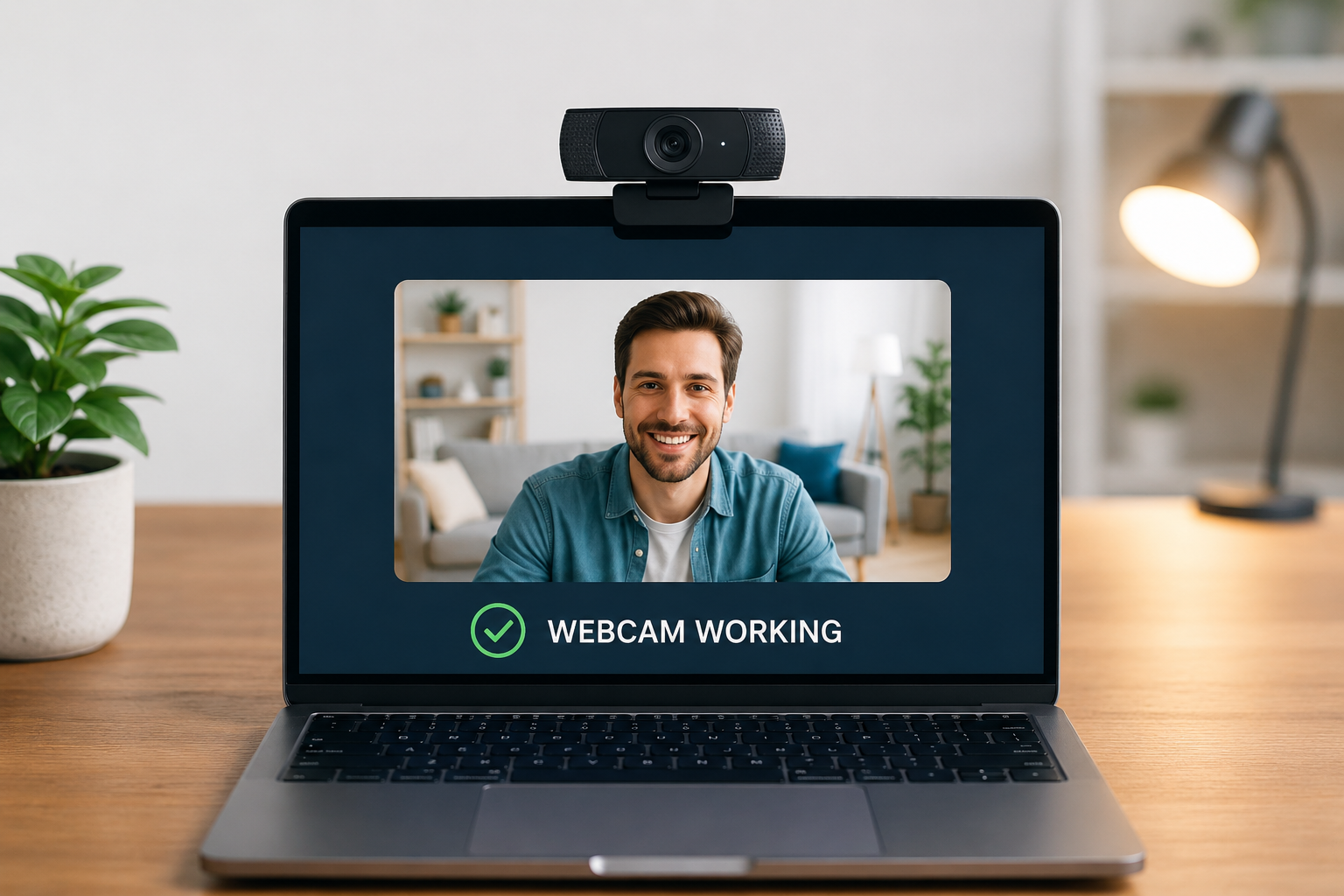
Always make sure:
- Camera permission is allowed.
- The correct webcam is selected.
- No other application is currently using the camera.
Once permission is granted, the webcam preview should appear almost immediately.
Online Webcam Test for Remote Workers
Remote work depends heavily on reliable video communication.
Before every meeting, performing an online webcam test helps ensure:
- Your camera starts correctly.
- The image is clear.
- Lighting is sufficient.
- Your webcam is connected.
- There are no unexpected camera errors.
This creates a more professional experience during virtual meetings.
Online Webcam Test for Students
Students attending online classes should regularly check their webcams.
Using an online webcam test before class helps verify:
- Camera visibility
- Video quality
- Browser permissions
- Device readiness
This prevents delays when joining virtual classrooms.
Online Webcam Test for Content Creators
Content creators rely on high-quality video.
A quick online webcam test helps confirm:
- Proper framing
- Sharp focus
- Good lighting
- Smooth video
- Camera connection
Testing before recording saves time during editing.
Why Choose Our Online Webcam Test Tool?
Our platform is designed specifically for fast and reliable hardware testing.
When you use our online webcam test, you receive:
- Instant camera detection
- Live webcam preview
- Browser-based testing
- No software installation
- Unlimited free testing
- Beginner-friendly interface
- Secure permission-based access
- Fast and accurate diagnostics
Whether you’re preparing for work, school, streaming, or recording, our webcam testing tool helps ensure your camera is ready.
Frequently Asked Questions
What is an online webcam test?
An online webcam test is a browser-based tool that checks whether your webcam is working properly by displaying a live video preview.
Is the online webcam test free?
Yes. You can use our online webcam test completely free without creating an account or downloading software.
Do I need to install anything?
No. Everything works directly inside your browser.
Why can’t the tool detect my webcam?
Possible reasons include disabled camera permissions, another application using the webcam, disconnected hardware, or driver issues.
Is my webcam video recorded?
No. The online webcam test only displays a live preview for testing purposes and does not store or record your video.
Can I test an external webcam?
Yes. The tool supports built-in laptop cameras and external USB webcams.
Does the webcam test work on laptops?
Yes. The online webcam test works with most modern laptops that have integrated webcams.
Can I test my webcam before a meeting?
Absolutely. Running an online webcam test before meetings helps ensure your camera works correctly and prevents unexpected issues.
Conclusion
A working webcam is essential for online meetings, remote work, virtual classes, content creation, and live streaming. Performing an online webcam test before important activities helps you identify camera issues, verify video quality, and ensure your device is ready.
Our browser-based online webcam test provides a fast, secure, and hassle-free way to check your webcam without installing software. With instant camera detection, live preview, and easy-to-use controls, you can quickly confirm that your webcam is functioning properly whenever you need it.
Use our online webcam test anytime to keep your camera performing at its best and enjoy a smooth video experience.