

Speaker testing is essential for optimizing sound quality. Whether you are an audiophile or a professional, learning how to test your speaker can make a world of difference.
Speaker testing is important for ensuring that your audio device performs at its best. It can help you detect problems that might otherwise impair sound quality, including distortion and connectivity issues.
This article will help you understand the basic steps and equipment you need to test your speaker effectively.
Why Speaker Testing Matters?
Speaker testing is important for ensuring that your speakers produce the best possible sound. Regular speaker testing can also help you ensure that your speakers continue to perform at their best.
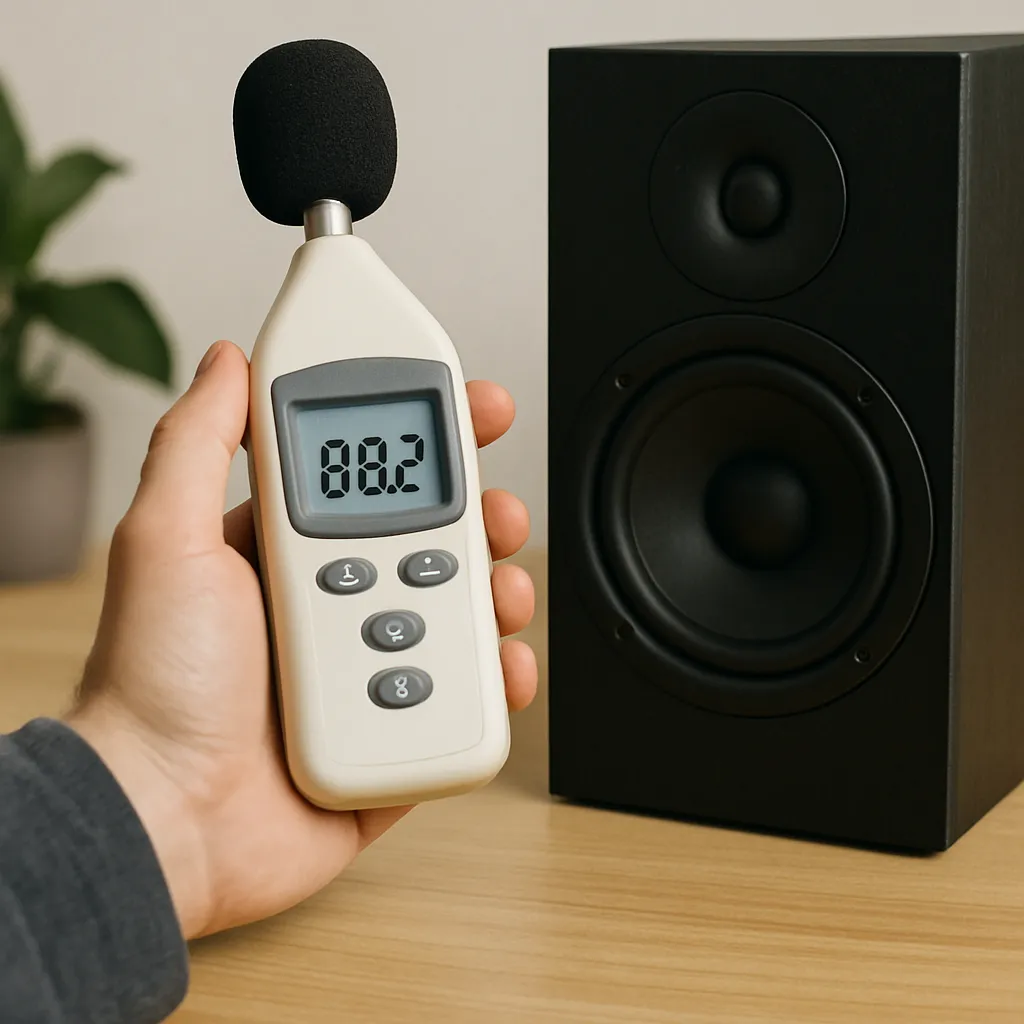
Regular speaker testing can help you detect problems that might otherwise become major issues. The benefits of regular speaker testing include:
Improved sound quality.
- Detection of physical damage or wiring problems.
- Extending the life of your speakers by detecting problems early.
- Optimizing speaker placement for a better audio experience.
Essential Tools and Preparation
Before embarking on speaker testing, it is important to have essential tools at hand. These tools will enable a thorough assessment of sound quality.
A basic set of tools for speaker testing may consist of:
- Sound meter for decibel level measurement.
- Test tracks for frequency sweeps.
- Flashlight for visual inspection.
- Smartphone apps for specialized audio testing.
Proper preparation will improve the speaker testing experience and provide accurate results, setting the stage for optimal audio enjoyment.
Step-by-Step Guide to Testing Your Speaker
Start with a visual check. Check your speaker for any signs of physical damage such as tears or dents. Use a flashlight to check for any minute problems.
Next, check the wiring and connections. Make sure that all the wires are properly connected and there are no signs of wear and tear. Improper connections can lead to distortion in sound quality.
After checking the physical condition, test the speaker positioning. Correct positioning can greatly improve sound quality. Try different positions to get the best sound distribution.
Conduct a frequency sweep test. Use test tones to check for any distortions in different frequency bands. Listen carefully for any buzzing or rattling noises.

Here is a list of frequency tests that you can conduct:
- Low-frequency bass test for low sounds.
- Mid-frequency test for voices and musical instruments.
- High-frequency test for treble clarity.
Use a decibel meter to measure sound levels. This will help you determine if the audio output is balanced. Adjust the speaker volume accordingly to maintain a constant sound level.
Test the stereo imaging and soundstage. Play music that has a wide soundstage to ensure an immersive audio experience. Adjust the speaker configuration for better stereo imaging.
Lastly, adjust the equalizer settings. Make small adjustments to improve the clarity and depth of the audio. This final step can make a big difference in the overall sound quality.
Troubleshooting Common Speaker Problems
If you are experiencing buzzing or rattling sounds, first check the speaker’s position. Placing the speaker in the wrong position can lead to unwanted sounds.
Here is a quick checklist to follow for troubleshooting:
- Check the speaker position.
- Check for loose connections.
- Check the speaker for physical damage.
Conclusion
Regularly testing your speakers will help you ensure that they are producing the best possible audio performance. By following these steps, you will be able to enjoy the best possible audio performance.