

In a local network, a private IP address is utilized to identify all the internal devices, such as computers, mobiles, and printers. These IP addresses cannot be accessed over the internet, making them safe and suitable for internal communications. Private IP addresses are used in nearly each and every home and office’s Wi-Fi network.
What Is a Private IP Address?
Private IP addresses come under the specific ranges allocated for internal networks. Common examples are:
- 192.168.1.1 – Mostly used as the IP of a router.
- 192.168.1.5 – A laptop connected through a Wi-Fi connection at home.
- 10.0.0.2 – Utilized by major office networks
- 172.16.0.10 – Used in corporate environments
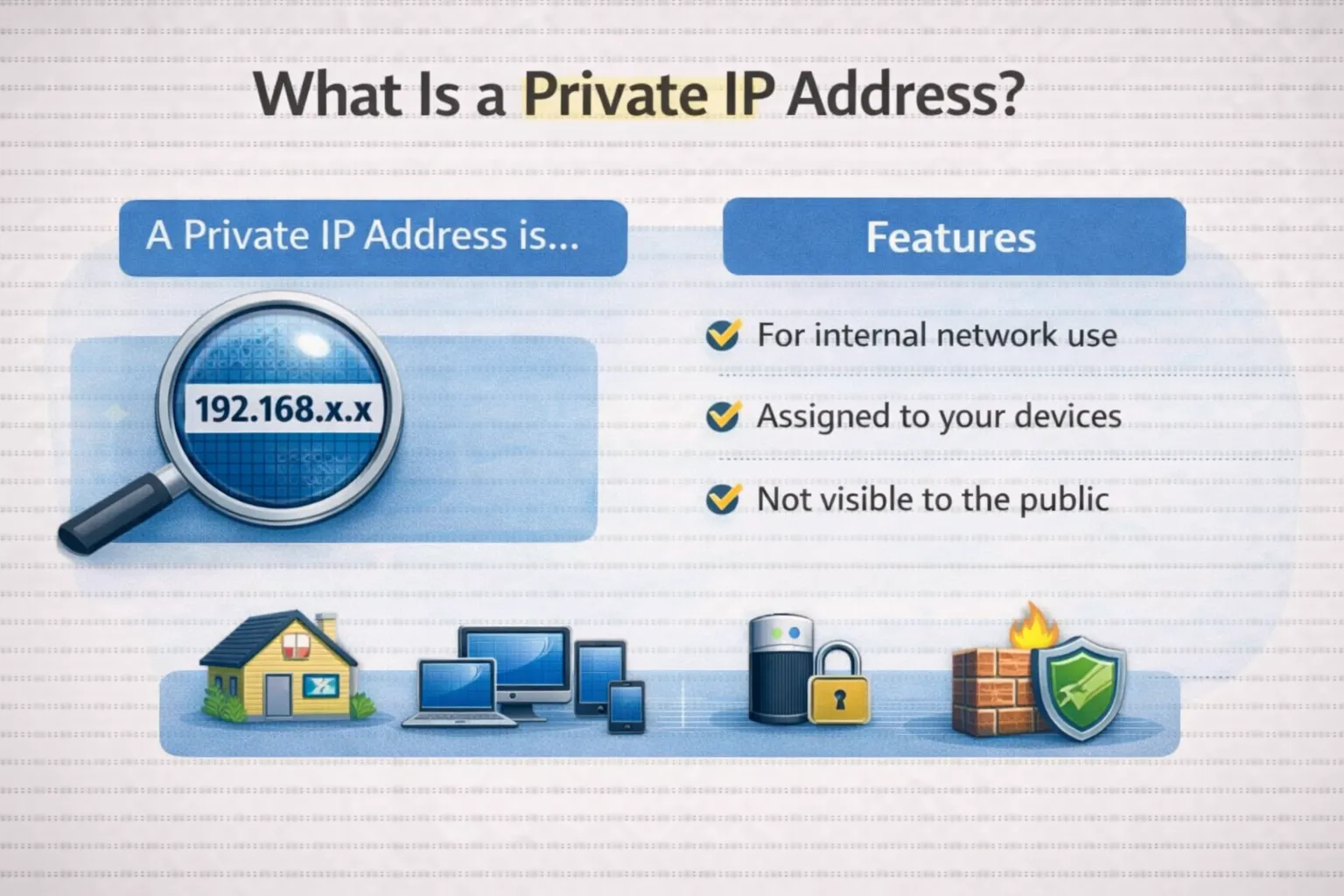
For example when your Wi-Fi router has the IP 192.168.1.1, then your mobile phone might have 192.168.1.8. Both are private IP addresses and can communicate only inside the same network.
How to Find a Private IP Address?
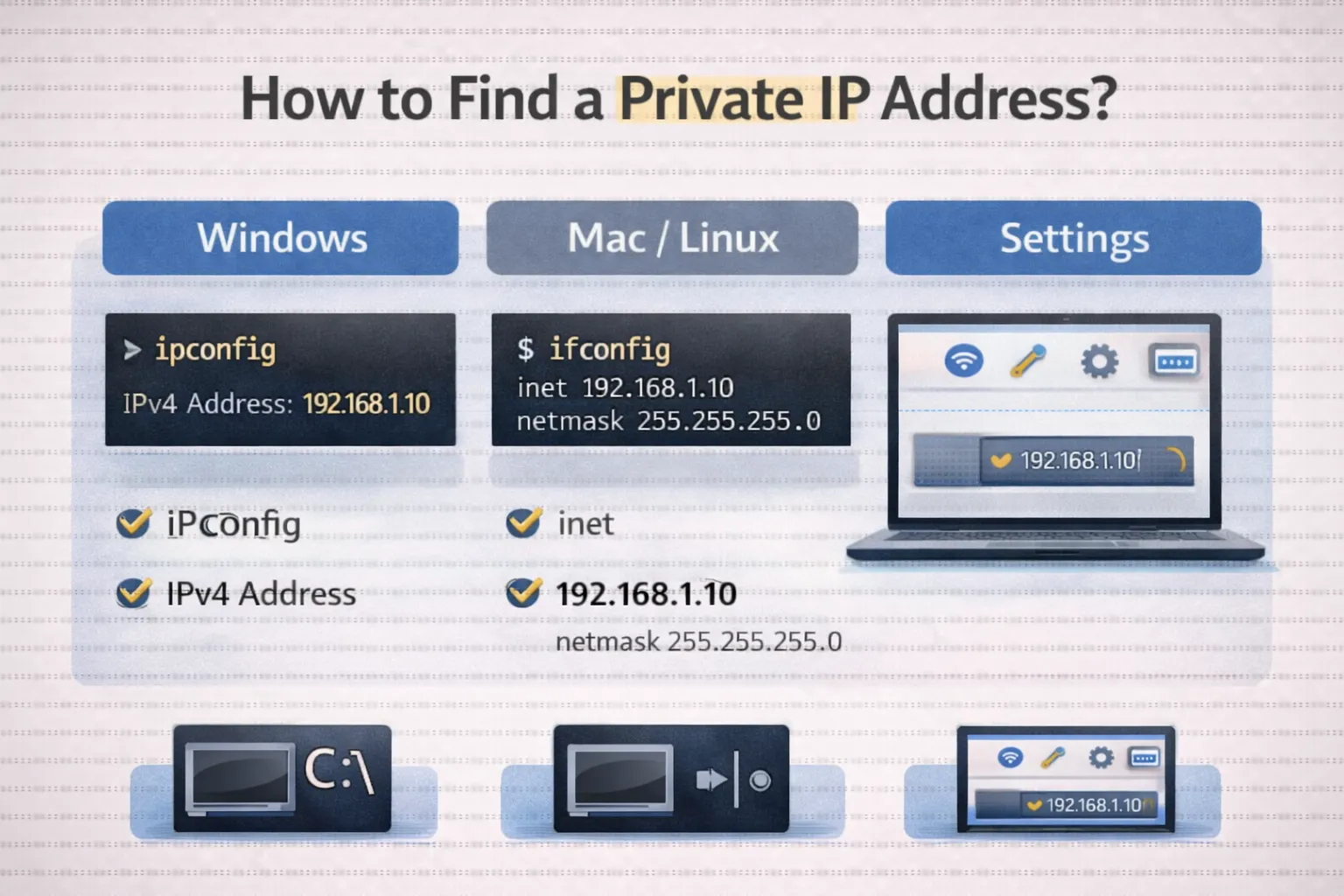
- On a Windows Computer
To do this
- Open the “Command Prompt,”
- Type “ipconfig,” and You will see:
IPv4 Address = 192.168.1.7 | The value displayed on your
- On Mobile Phone
Go to Wi-Fi settings → Tap on connected network.
You may see:
IP Address: 192.168.1.12
- On Router
Login to the router panel, usually found on 192.168.
For instance, one can see a list like:
- Laptop: 192.168.1.4
- Mobile: 192.168.1.6
Where Are Private IP Addresses Used?
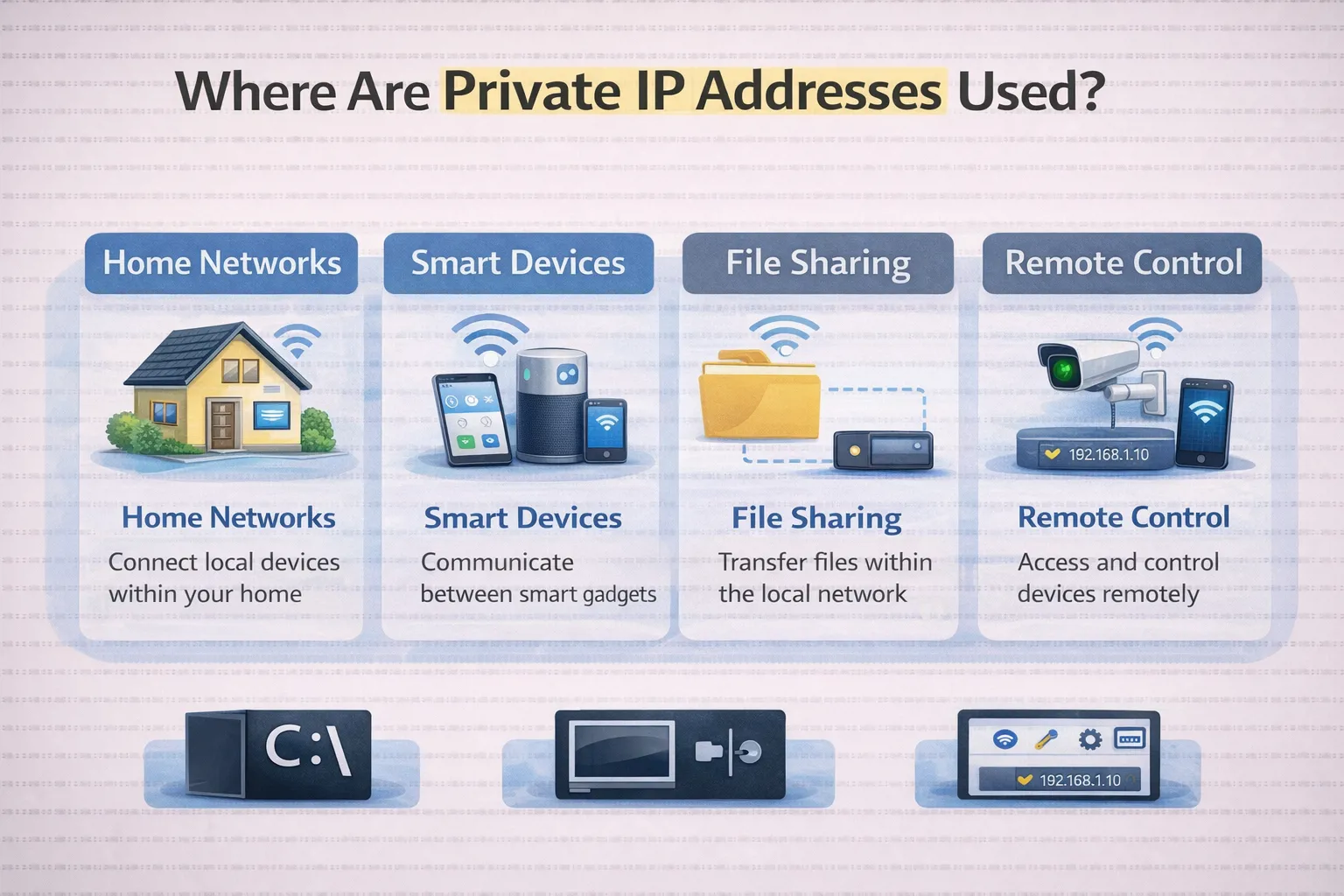
Common use of private IP addresses:
- Home Wi-Fi Networks
- Offices and companies
- Schools and Universities
- Internal servers and LAN networks
For instance, in an office setup, it is possible for 50 computers to make use of private IP addresses such as 10.0.0.1 to 10.0.0.0
Conclusion
Private IP addresses help devices communicate with each other in a network. Looking at some good examples, it is easy to understand how they work and their real-life application.