

Online meetings are now a common part of the work environment, educational institutions, and even communication. Google Meet is one of the most used video meeting platforms, and having a functional camera is a top priority. Google Meet camera test is a useful feature that helps check the camera prior to a meeting.
What Is a Google Meet Camera Test?
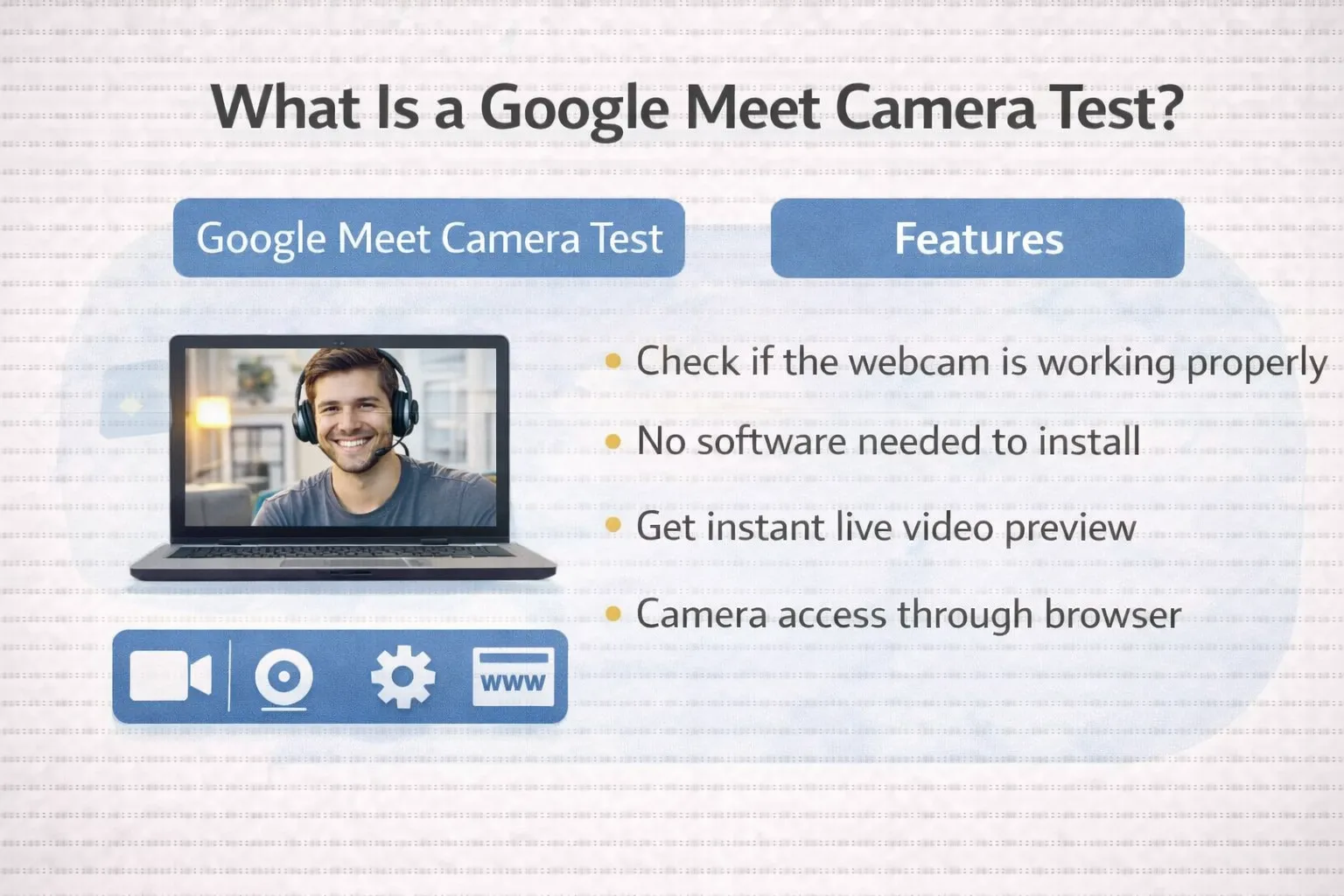
Carrying out a Google Meet camera check will allow you to check if your camera is functioning in the right manner ahead of participating in a Google Meet meeting or call. This will ensure that your camera can be accessed by your web browser and that you can see and stream clear video images. The check can be done in two different ways.
Why You Need to Test Your Camera Before Google Meet
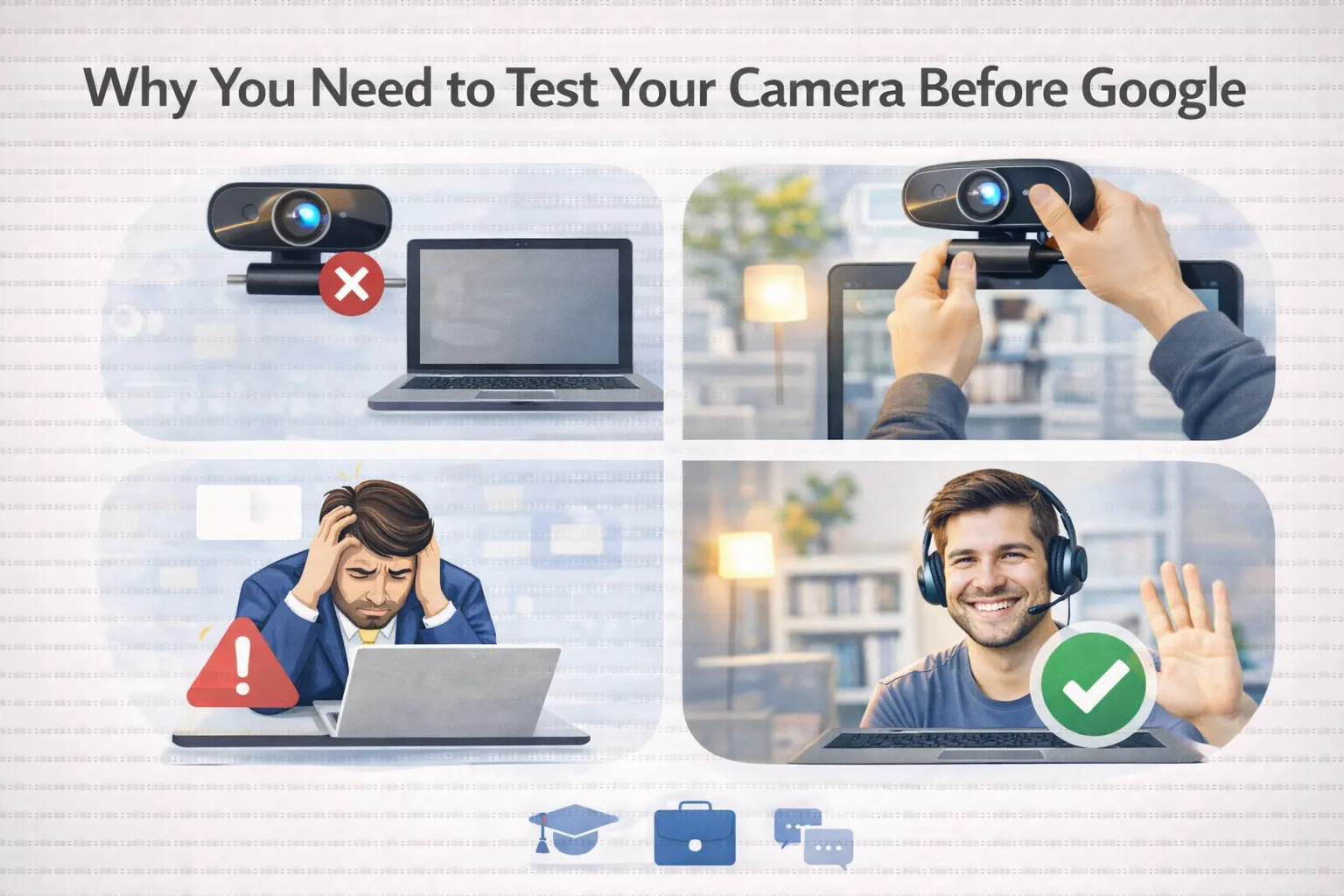
Testing the camera in advance saves time and prevents embarrassment at meetings. It helps you to:
- Make sure the webcam is plugged in and working
- Check the video for clarity, lighting, and camera angle.
- Fix browser permission or device issues early
- Join meetings with confidence and professionalism.
This is especially of essence in online classes, employment interviews, and business conferences.
How to Do a Google Meet Camera Test
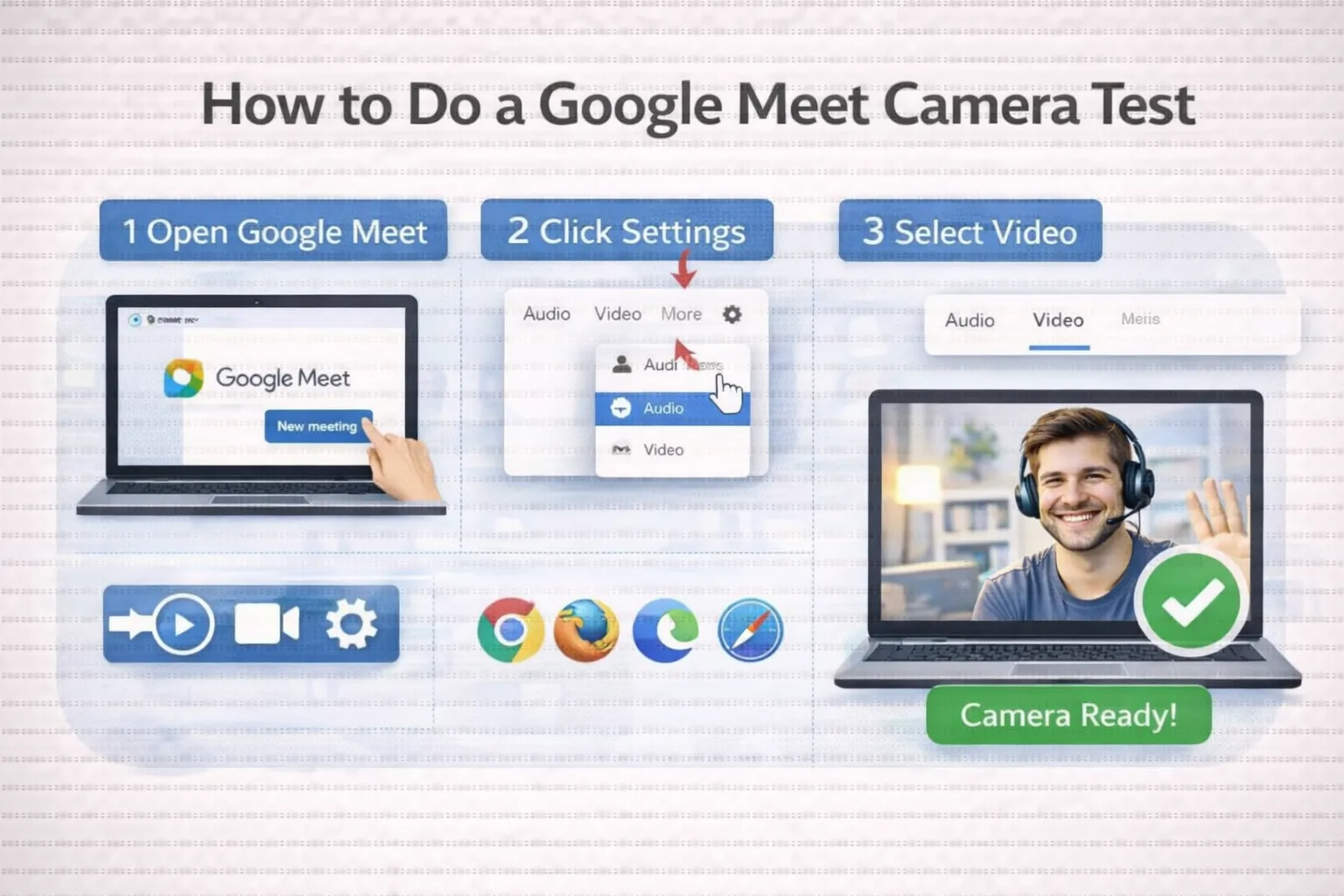
You can easily test your camera by performing the following steps:
- Open Google Meet on your browser.
- Click on Settings before joining the meeting
- Click the Video tab
- Check the preview of the camera displayed on the screen
If you can see yourself clearly, your camera is ready. You can also use any of the trusted online camera test websites to check your webcam without logging into Google Meet.
Common Camera Issues and Fixes
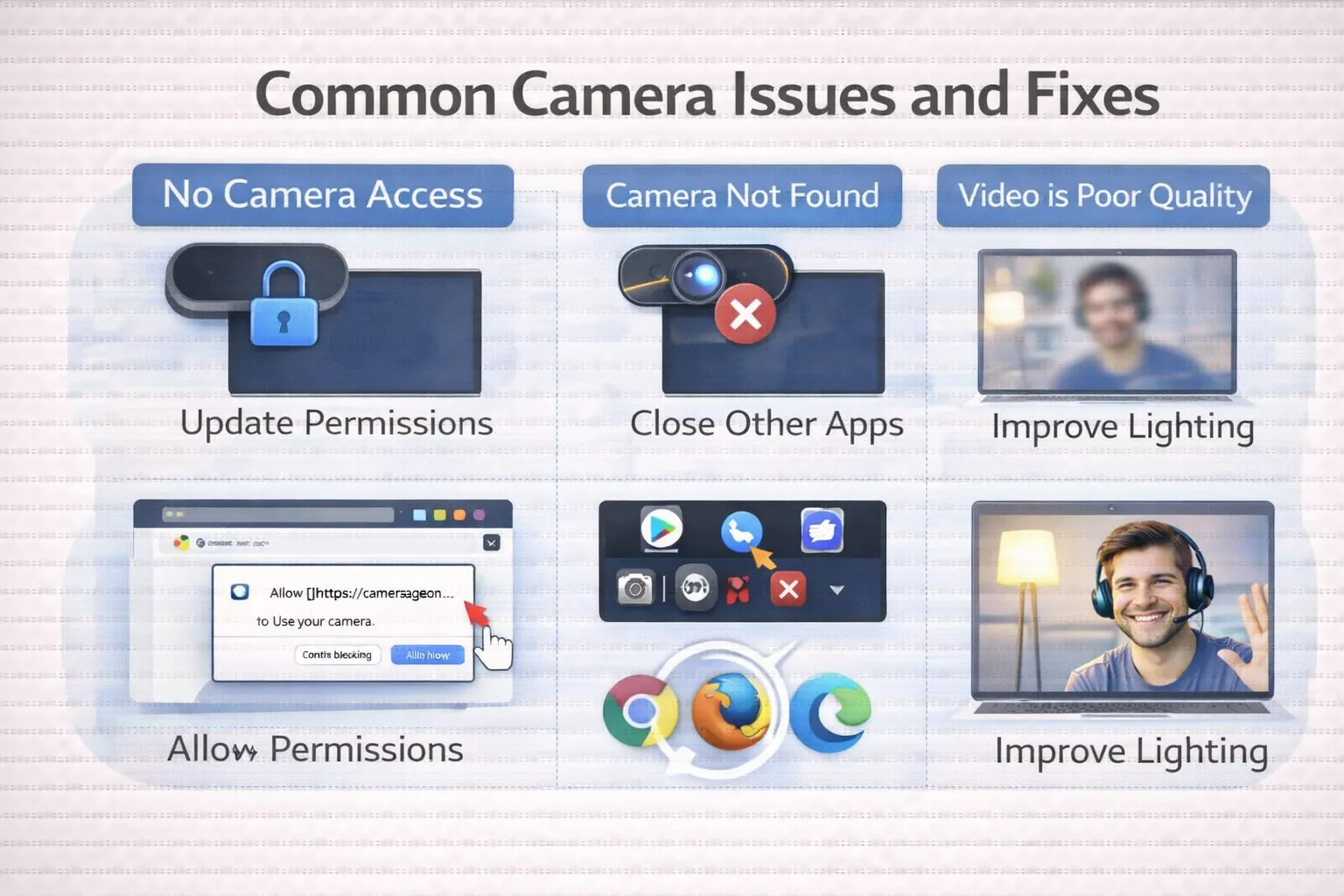
If your camera is not working, make sure no other app is using it, permit Camera permissions in the browser, and update the drivers if required.
Conclusion
A Google Meet camera test is fast and easy to ensure flawless video calls. Testing your webcam before a meeting keeps you away from interruption and creates a better online meeting experience. It’s also a good idea to check the camera beforehand for clear and professional communication.